Sep 23, 2023
Sep 23, 2023
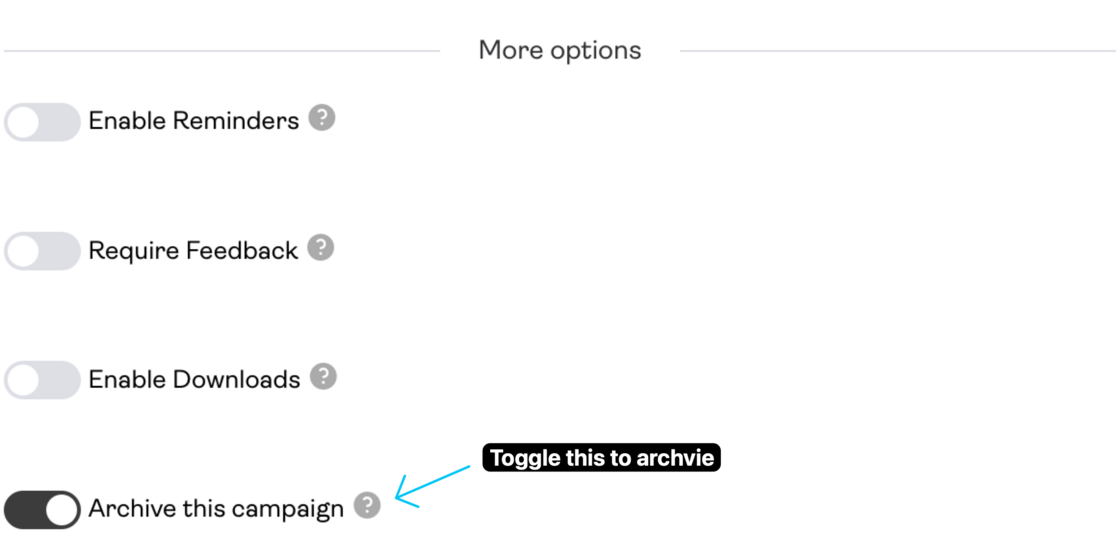
Promoly now has an "Archive Campaign" option on promos.
With this new feature, you can simply turn off the playable audio, feedback and download option for any promo campaign. Recipients will see a 'campaign deactivated' message if they try to open an archived campaign.
Archiving a campaign is easy. Go to the campaign list, click 'edit' on campaign you want to archive and select 'Archive Campaign'.